01 / Identify the reset
A missing checkpoint can be expected patch behavior
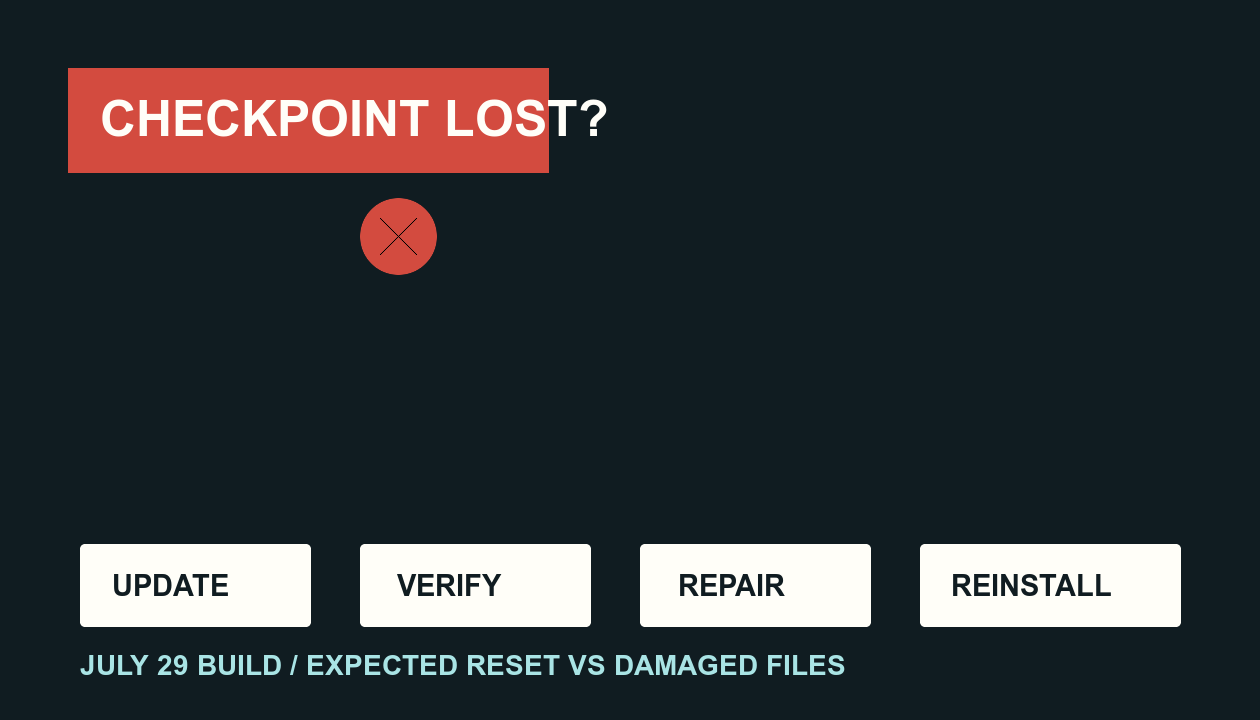
Halo Support says the July 29 update requires current mid-mission saved progress to be reset during installation. It separately says unlocked Missions and Rally Points remain available. If you return to a mission start or Rally Point after updating but your unlocked route still exists, that matches the documented patch behavior.
Expected after this patch
- Current mid-mission checkpoint is gone
- Unlocked Missions remain selectable
- Unlocked Rally Points remain selectable
Needs more investigation
- Game fails to launch
- Content or visuals are missing
- Files appear incomplete after the update
02 / Confirm the build path
Update before you repair
- Close the game. Do not diagnose an installation while the title is still running.
- Check your storefront for an update. Steam exposes Update from the Library context menu; Xbox app PC uses Library → Manage installs; Microsoft Store uses Library and Get updates.
- Restart the storefront if its update view appears stale. The official Microsoft Store route also recommends refreshing with Get updates.
The current official patch build is 2026.07.25.1112544. This page does not claim that every storefront surfaces that full build string in the same place.
03 / PC repair order
Use the least destructive step first
- Steam: Library → right-click the game → Properties → Installed Files → Verify integrity of game files, then restart the PC.
- Xbox app PC: My Library → game → More actions → Manage → Files → Verify and repair.
- Microsoft Store PC: Windows Settings → Apps → Installed apps → game → Advanced options → Repair. Use Reset only if Repair fails; Reset clears cached files and app data and requires signing in again, but Halo Support says it does not remove game progression.
04 / Escalation
Reinstall only after repair fails
Halo Support places reinstall after the PC verify or repair step. A reinstall is therefore an escalation for launch, missing-content, visual, or incomplete-file problems that survive repair—not a way to recover the intentionally removed mid-mission checkpoint.