01 / Scope the branch
This brief is about the Steam beta behavior
Mega Crit introduced the save-copy behavior in the v0.108.0 beta patch. The official news page showed v0.110.0 as the latest beta note when this brief was reviewed. If you are on the main branch, do not assume that the same change has arrived: first record the branch and build you are actually running.
02 / Official change
The copy is automatic; the two progress paths remain separate
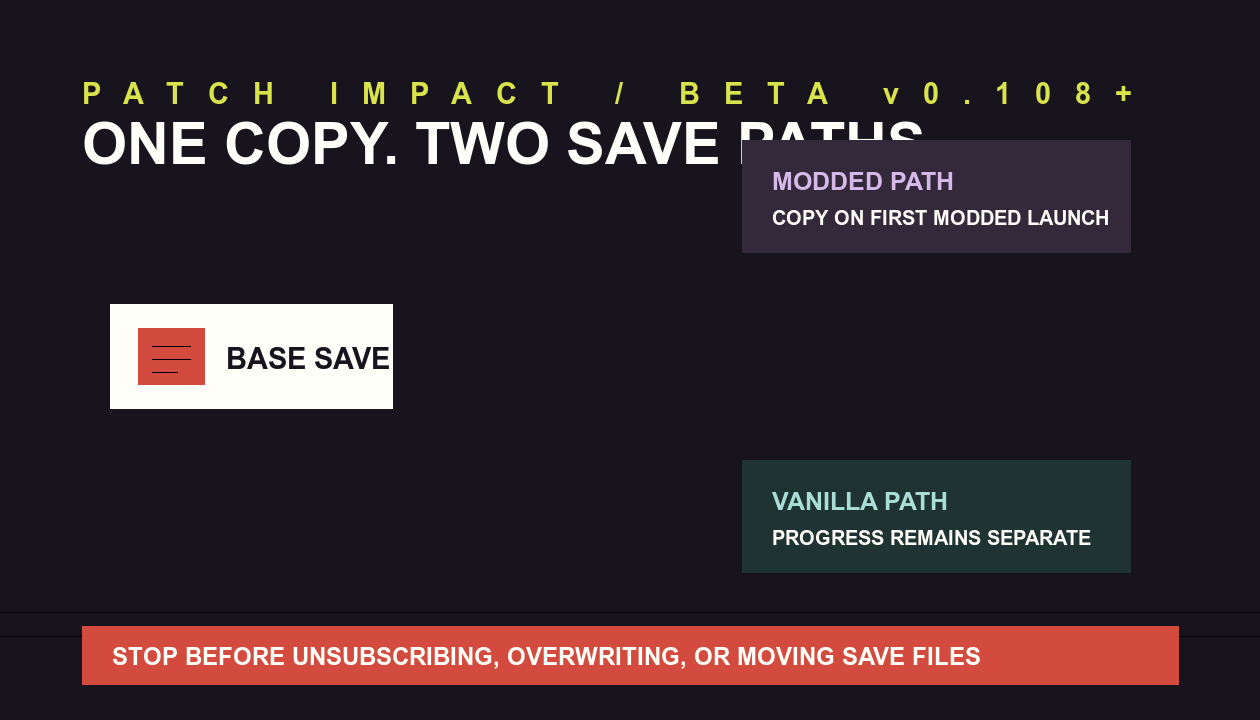
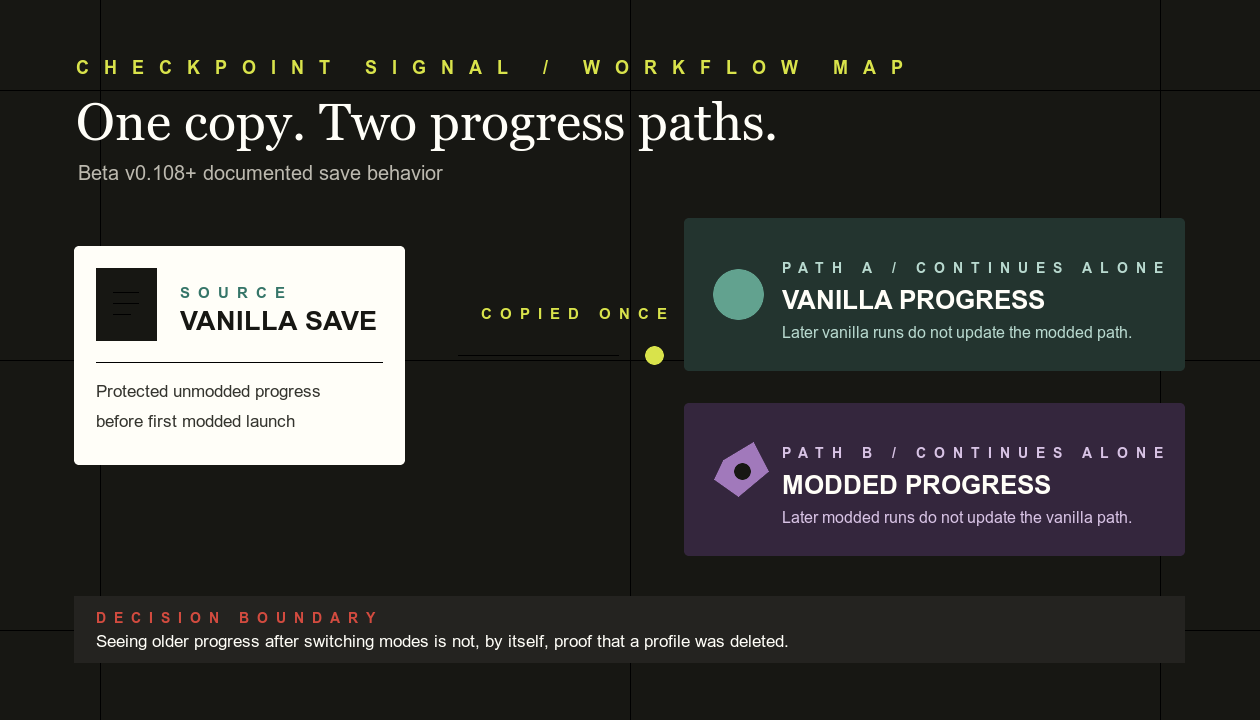
Before v0.108.0, a first modded launch could look like progress had vanished because the protected modded save started empty. The beta patch now copies the unmodded save into the modded save directory on that first launch and explains it with a popup.
Verified copy
- First modded launch copies the unmodded save
- Modded play begins from that copied state
- The original and modded save sets remain separate
Not continuous sync
- Later modded progress does not update vanilla
- Later vanilla progress does not update modded
- A multiplayer group should still match its exact enabled mods
03 / Impact matrix
What changes for each player state
04 / Reversible action order
Preserve evidence before attempting a repair
- Record the current branch and enabled mod list. A screenshot is enough; do not rely on memory after changing subscriptions.
- Stop if the displayed profile is unexpected. Do not repeatedly launch, unsubscribe, overwrite, or move files while the save path is uncertain.
- Keep any existing backup unchanged. Steam documents that automatic Workshop updates can break mod compatibility and, in complex cases, corrupt a save.
- Confirm the mod's stated branch support. The referenced save-merger listing says its custom path is no longer needed after the beta change, while recent comments report errors, crashes, and lost progress. Those reports were not reproduced by Checkpoint Signal.
- Escalate through the game's official route. Mega Crit directs modding feedback to the Slay the Spire 2 modding Discord channel or the in-game F2 feedback tool.
05 / Copy-ready community note
A short notice for moderators and guide maintainers
Slay the Spire 2 beta v0.108+ now copies your vanilla save into a separate modded save set on first modded launch. Progress does not continue syncing between the two sets. If you use a save-merger mod, record your branch and mod list and preserve backups before changing subscriptions or save files. Community reports about specific merger tools are not an official recovery procedure.
This notice deliberately avoids a universal file path or one-click recovery claim. Both depend on the player's actual branch, platform state, and mod history.